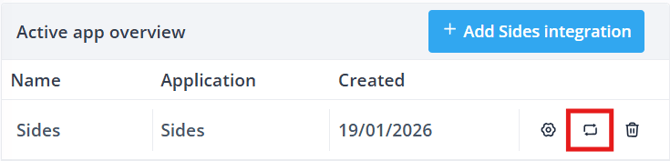
In Shiftbase, it is possible to create an integration with SIDES that allows data to be exchanged without manual intervention. This integration will import the turnover from SIDES to Shiftbase every 15 minutes.
Contents
Setting up the integration
To set up the integration with Sides, navigate in Shiftbase to Settings > App center. Here, you can locate the tile for Sides under POS or use the search bar. Click on Install to get started with the integration.
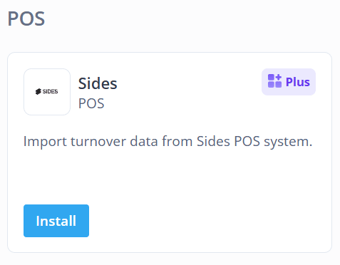
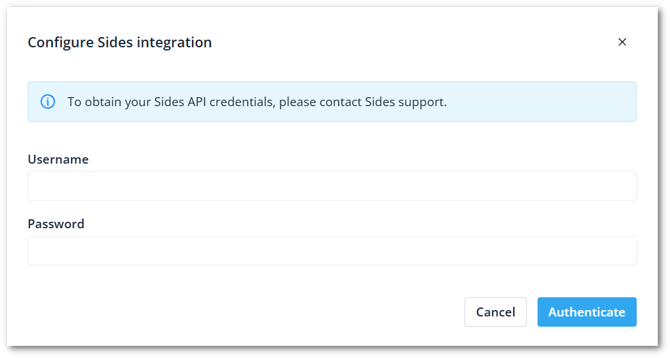
After clicking Install, you will be asked to fill in the following details
-
User name: The username as known in SIDES. Contact SIDES for your specific API credentials.
-
Password: The corresponding password.
-
Integration name: Give a name to the integration.
-
Notification email: Give the email address where we can notify you about this integration.
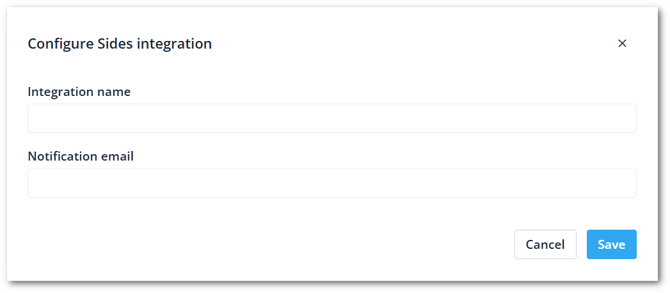
The integration name and notification email can always be changed later by clicking on Edit configuration.
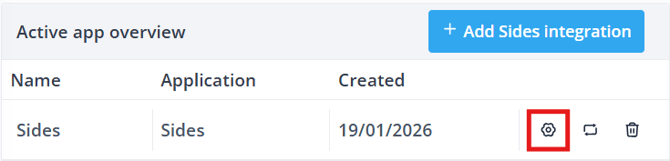
Edit the configuration
Once the form is finalized, you can now configure the integration. In the mapping, you will see the cost centers from SIDES on the left and the Teams from Shiftbase on the right. Select the team from Shiftbase to where the turnover can be imported to.
The turnover becomes available in the Insights menu in Shiftbase and can be reported on by using the Insights report or Turnover report.
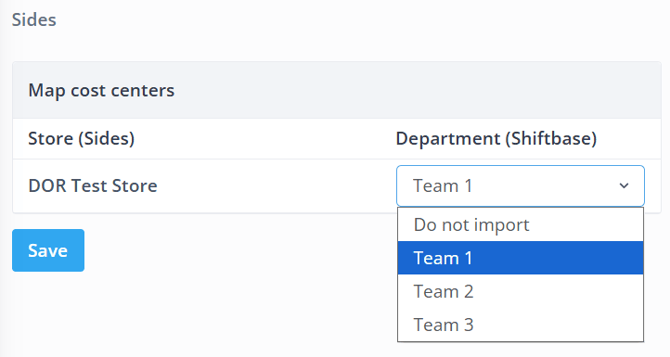
You can always edit the team later, by clicking on Edit mapping.